Practical tools for camera and OBS workflows
CamooZ
  • Save Your Camera Settings
  • Restore Your Perfect Look
  • Webcam Chaos Ends Here
  • One Click Camera Control
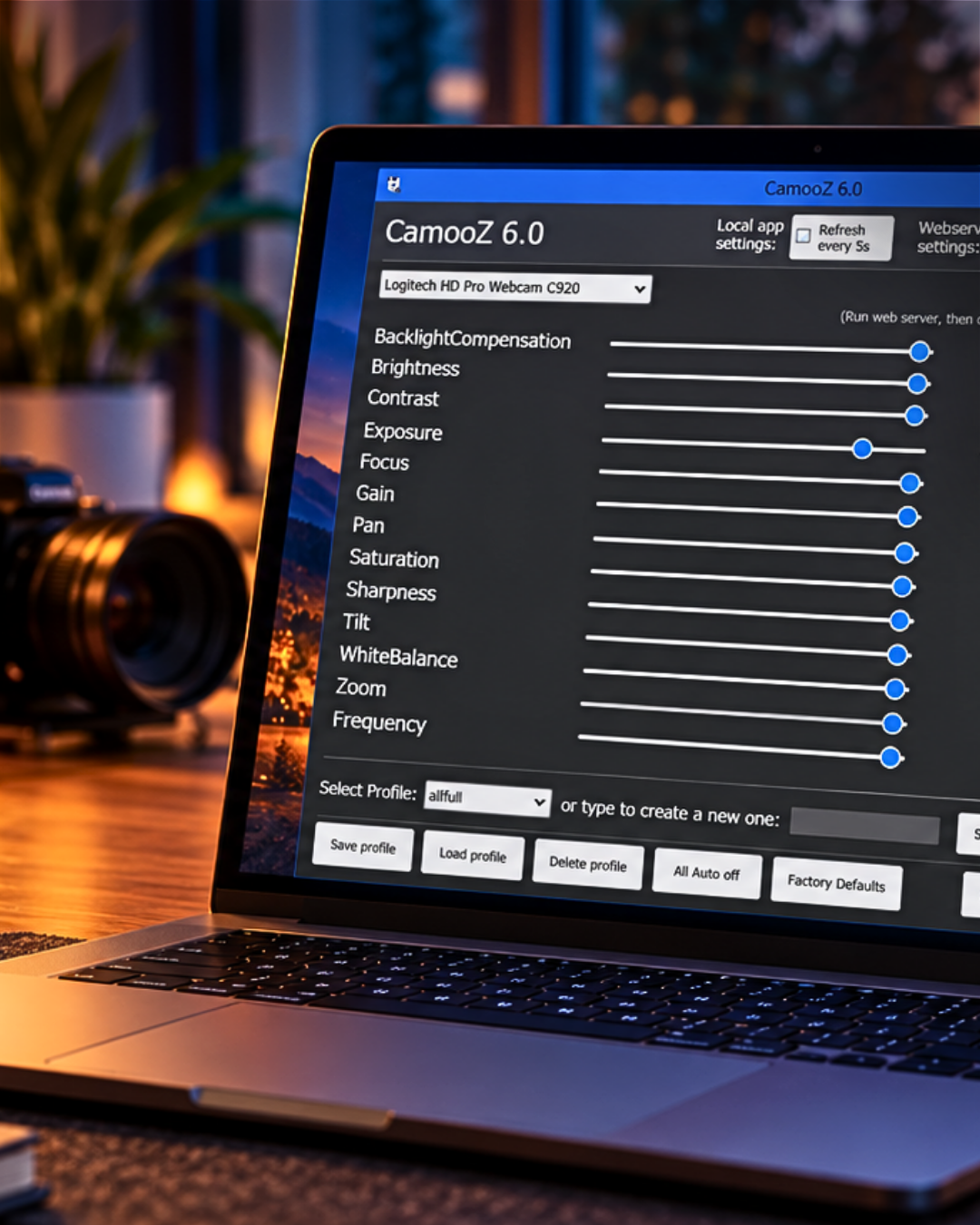
Windows does not reliably preserve webcam settings. CamooZ saves your perfect camera setup as profiles and restores it whenever you need it — for OBS, Zoom, Teams, Stream Deck and online teaching. Free to try · Full version only 4.99 USD.
BUILT FOR REAL CREATOR SETUPS

CAMOOZ

One Tool. Multiple Setups.

Use separate camera profiles for streaming, meetings, low light, presentations and online lessons. Switch between them in one click – by hotkey, Stream Deck or automatically at start. Free to try, full version only 4.99 USD.
Webcam tips, OBS workflows and tools by Falti

POPULAR GUIDES

You finally found the perfect camera look. Then you restart your PC, and everything is gone. If you want to…

Read More

You set brightness, focus and white balance – and after the next restart, the image looks washed out again. If…

Read More

As an online teacher, your camera is your classroom. Students see your face for hours every week. Therefore, a good…

Read More

In the home office, the light changes all day. The morning sun is bright, afternoon light is warm and in…

Read More

A good webcam can still look bad in a stream. Usually, the reason is not the camera but the settings.…

Read More

A Stream Deck can switch scenes, play sounds and start your music. But can it also change your camera settings?…

Read More

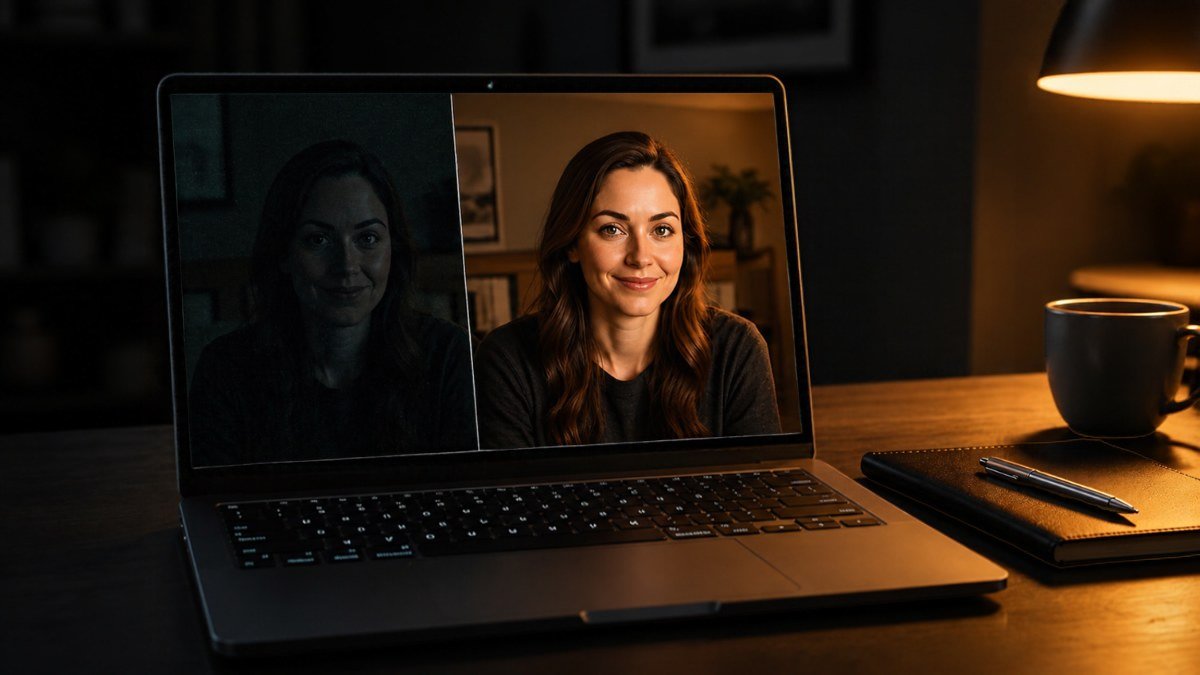
Your face looks like a shadow, the image is noisy and people keep asking if your camera is on. Is…

Read More

First impressions happen on screen today – in job interviews, client meetings and online lessons. If you want to look…

Read More

Since Windows 11, Microsoft offers its own camera page. However, many people do not even know it exists. In this…

Read More