You lift a coffee cup, and the image goes blurry. You move your hand, and the brightness jumps. Auto modes are useful at first, but in calls and streams they quickly become annoying. In this guide, you will learn how to turn off webcam autofocus and auto exposure in Windows – and how to keep it off.
Quick answer
Open the camera dialog (for example via OBS → Video Capture Device → Configure Video), untick “Auto” next to Focus and Exposure, and set the values by hand. Because many cameras switch auto back on after a restart, save the result as a CamooZ profile.
Why turn off webcam autofocus?
Autofocus searches for the sharpest object all the time. So when you hold up a product, show a document or simply talk with your hands, the focus jumps. This is called focus pumping. Similarly, auto exposure reacts to every change in light, which makes the image flicker.
How to turn off webcam autofocus in Windows
Method 1: Through OBS
- Open OBS and double-click your Video Capture Device.
- Click Configure Video.
- Go to the “Camera Control” tab.
- Untick Auto next to Focus and move the slider until your face is sharp.
- Do the same for Exposure.
Method 2: With CamooZ – no OBS needed
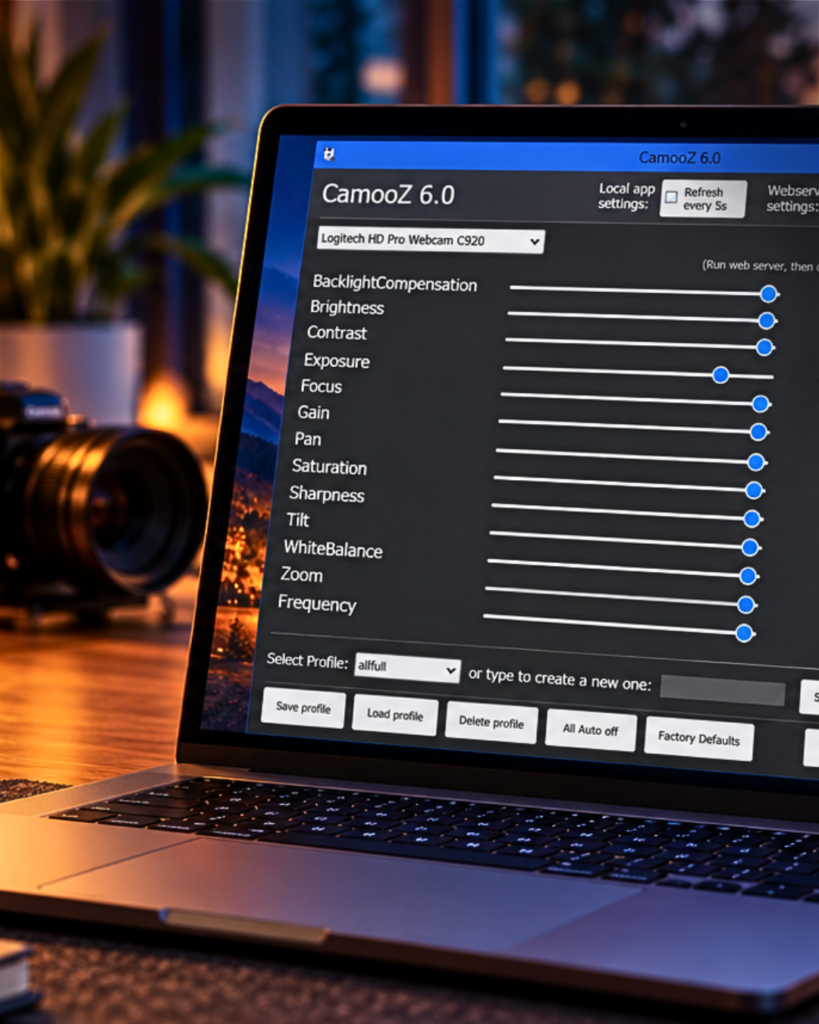
CamooZ opens all camera controls directly. Therefore, you do not need OBS just to reach the settings. You can switch off auto focus and auto exposure, set your values and even lock them, so nobody changes them by accident.
The problem: auto turns itself back on
Many webcams forget the manual mode when they restart. As a result, autofocus is active again the next morning. This is where a profile helps. Save your manual focus and exposure in CamooZ and set the profile to autoload. Consequently, your camera starts in manual mode every time.
Which auto modes should I switch off?
| Auto mode | Turn off? | Tip |
|---|---|---|
| Autofocus | Yes, if you sit in one place | Focus on your eyes |
| Auto exposure | Yes, with stable light | Set exposure as low as your light allows |
| Auto white balance | Yes | Use a fixed Kelvin value |
| Low-light compensation | Depends | Can cause grain and slow motion |
FAQ: turn off webcam autofocus
Why does my webcam keep refocusing?
Because autofocus is on. Switch it off and set a fixed focus on your face.
Why does autofocus turn back on after a restart?
Many cameras load their factory mode at start. Save your manual settings as a CamooZ profile with autoload.
Can every webcam turn off autofocus?
Only cameras with an adjustable focus. Fixed-focus webcams have no autofocus at all.
Is it safe to change these settings?
Yes. These are normal camera controls. You can undo any change with Ctrl+Z in CamooZ.
Sharp. Stable. Every time.
Turn off the auto modes once and keep them off with a saved profile.