In the home office, the light changes all day. The morning sun is bright, afternoon light is warm and in the evening only the desk lamp is on. As a result, you look different in every meeting. A good home office webcam setup solves this – and it takes less than 15 minutes.
Quick answer
Place your desk so light comes from the front, raise the camera to eye level and save two camera profiles: one for daylight and one for evening light. Then load the right one before each call.
Why your image changes during the day
Webcams react strongly to light. In the morning, auto exposure darkens the image because of the bright window. In the evening, the camera raises gain, so the picture gets grainy. In addition, warm lamps make your skin look orange.
The 5-part home office webcam setup
1. Desk position
If possible, sit facing the window or with the window to your side. On the other hand, never sit with the window behind you.
2. Camera at eye level
A laptop stand or a few books are enough. That way, people see your eyes, not your ceiling.
3. One soft lamp
A lamp pointing at a wall in front of you gives soft light for the evening.
4. Manual camera settings
Switch off the auto modes and set exposure, white balance and focus by hand. With CamooZ you reach all of these controls directly.
5. Two saved profiles
Save a “Daylight” and an “Evening” profile. Consequently, you switch in one click instead of fiddling before each call.
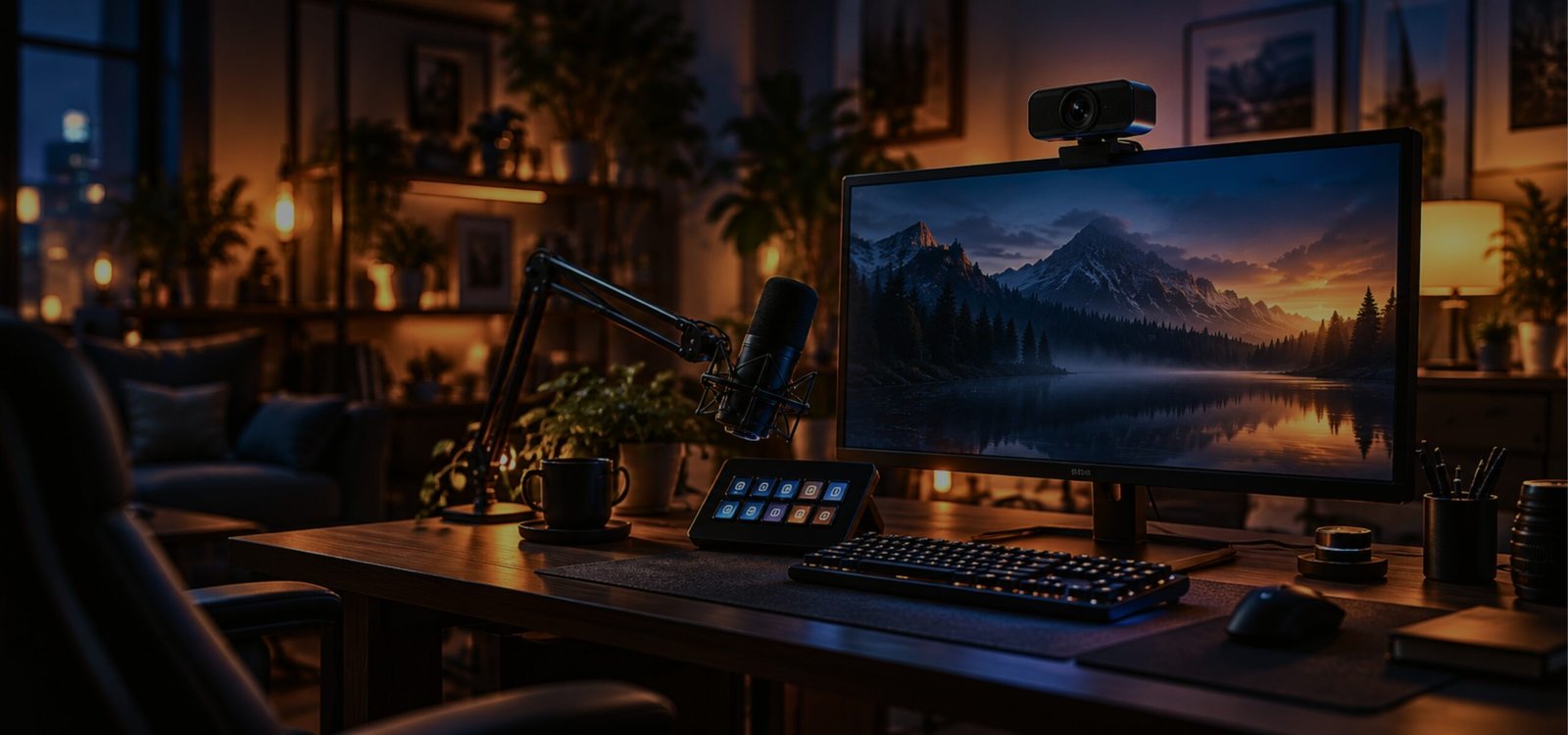
Typical home office problems – solved
| Problem | Fix |
|---|---|
| Face too dark in the morning | Remove backlight, save daylight profile |
| Grainy in the evening | Add lamp, lower gain, save evening profile |
| Orange skin | Manual white balance |
| Image changes during the call | Turn off automatic camera adjustments in the app |
| Everything gone after a restart | Load profile automatically at start |
“I don’t have time for this”
That is exactly the point. You set it up once. After that, the right look is one click away. Furthermore, you can try everything for free first.
FAQ: home office webcam setup
What is the best light for a home office webcam setup?
Soft light from the front, for example a window or a lamp aimed at a wall. Avoid light from behind.
Why do I look different in every meeting?
The daylight changes and the camera reacts automatically. Save separate profiles for different light.
Do I need software from my webcam brand?
Not necessarily. CamooZ works with webcams that offer adjustable settings in Windows.
Does it work with Microsoft Teams?
Yes. Also turn off automatic camera adjustments in Teams, so it does not overwrite your values.
Look your best in every meeting
Two profiles, one click – and your home office camera looks right all day.