A second camera makes streams and tutorials much more lively. However, it also brings new problems: different colors, different brightness and – with two identical models – confusion about which camera is which. In this guide, you will learn how to use multiple webcams in OBS and make them look like one setup.
Quick answer
Give identical cameras unique names, set white balance and exposure by hand on each camera, match them side by side in OBS and save each camera’s settings as a profile.
Problem 1: Two identical cameras have the same name
If you use two cameras of the same model, OBS, Zoom and Teams show the same name twice. As a result, sources mix up after a restart. Falti’s free-to-try tool CamRename solves this by giving each camera its own name.
Problem 2: The colors do not match
Each camera has its own auto white balance. So one image looks warm and the other cold. Therefore, set white balance manually on both cameras and use the same Kelvin value as a start.
Problem 3: Different brightness
Turn off auto exposure on both cameras. Then adjust exposure and gain until both images look equally bright. Place the two previews side by side in OBS to compare them.
How to match multiple webcams in OBS – step by step
- Rename identical cameras with CamRename.
- Add both cameras as Video Capture Devices in OBS.
- Open the settings of camera 1 in CamooZ and set white balance, exposure and focus by hand.
- Repeat for camera 2 and compare both previews.
- Save one profile per camera.
- Set the profiles to autoload, so both cameras start correctly.
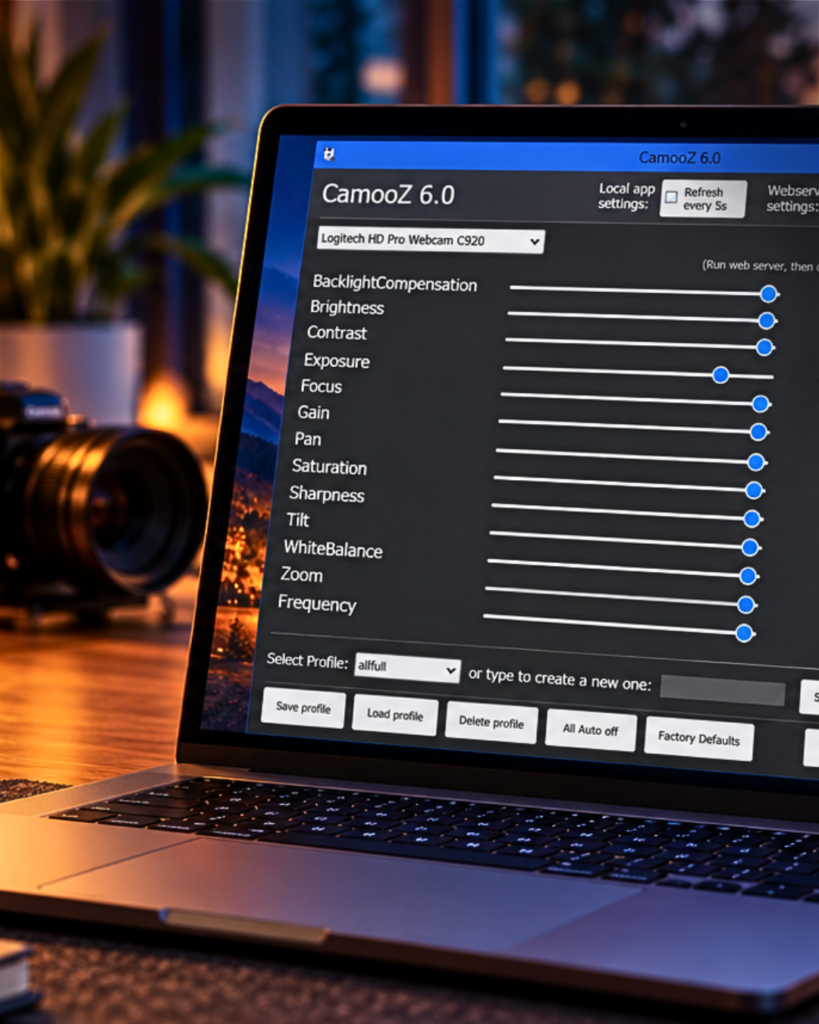
Why profiles matter with several cameras
Matching two cameras takes time. Without saved profiles, you would lose all of this work after the next restart. With CamooZ, however, each camera gets its own profile. Moreover, you can load them together with a Stream Deck button.
FAQ: multiple webcams in OBS
Can OBS use two webcams at once?
Yes, as long as your USB ports and PC can handle both streams. Use separate USB controllers if one camera freezes.
How do I tell two identical webcams apart?
Rename them with CamRename. Afterwards, every app shows the new names.
Why do my two webcams have different colors?
Each camera uses its own auto white balance. Set both manually to the same value.
Can I save settings for each camera?
Yes. CamooZ saves profiles per camera and can load them automatically at start.
Two cameras. One look.
Match your cameras once and keep them matched with CamooZ profiles.